Unable to Install the iOS 27.0.1 Update? Try These Workarounds
Apple rolled out iOS 27.0.1 on September 28, 2026. This update came with some fixes to known bugs, such as the touchscreen bug, Face ID authentication issue, and camera bugs. However, as with other updates, the latest iOS version also comes with a few issues. One example is the issue in which many users are unable to install the iOS 27.0.1 update on their iPhones.
What happened?
Many iPhone users have taken to different platforms to report an issue in which they’re unable to install the iOS 27.0.1 update. This issue affects many users in a few different ways. Some affected users mentioned that the update doesn’t appear on their devices. A few others, who got the update, said they tried downloading it but without success. Some other users were able to download the update but ran into issues when trying to install it.
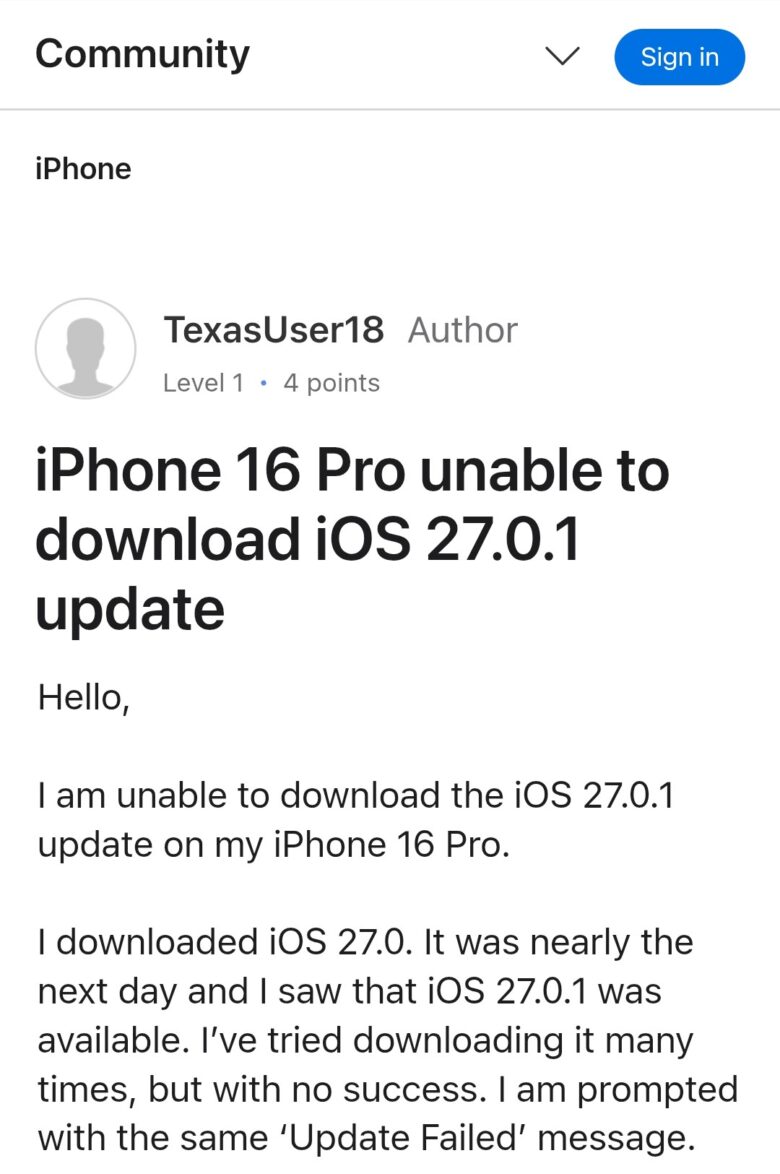
When describing the issue, an iPhone 16 Pro user on Apple’s Discussions Forum said he successfully downloaded iOS 27.0. The following day, the iOS 27.0.1 update appeared on his phone and he tried getting it but couldn’t. Instead, the phone keeps giving him an error message—‘Update Failed’. The iPhone 16 Pro user further said:
“I downloaded iOS 27.0. It was nearly the next day and I saw that iOS 27.0.1 was available. I’ve tried downloading it many times, but with no success. I am prompted with the same ‘Update Failed’ message. At this point, it takes a very long time for the “Checking for update” message to finally disappear and the software update actually presents itself with a request option.”
Many users (1,2,3) who also experience this issue said they tried a few troubleshooting steps but none were effective. One user said he turned off his VPN and tried toggling off and on the Low Data Mode feature but still no result.
Why are you unable to install the iOS 27.0.1 update?
If your iPhone is currently unable to install the latest iOS update, it could be because of the following reasons:
- Your iPhone lacks sufficient storage
- You have unstable Wi-Fi
- Busy server from Apple
- Older iPhone
- Software glitch
What can you do to address this issue?
If you’re unable to install the iOS 27.0.1 update, we recommend trying the following troubleshooting steps:
- Start by checking your device to confirm if you have sufficient storage. Next, ensure that your Wi-Fi connection is strong and stable.
- Restart your iPhone
- If you have your VPN on, ensure you turn it off before installing the latest update. In addition to this, ensure you delete the VPN profile in Settings/General/VPN & Device Management/VPN. After this, restart your device and begin the download.
- If installation continues to fail, try updating your iOS via Finder (Mac). Alternatively, you can also update the operating system via Apple Devices/iTunes.
- Resetting the network settings also works. To do this, open your phone’s Settings and tap on General. Next, choose Transfer/Reset iPhone and Reset. During the reset, select Reset Network Settings. Lastly, input your passcode and confirm your choice.
If the issue persists after trying the aforementioned steps, we recommend contacting Apple Support.